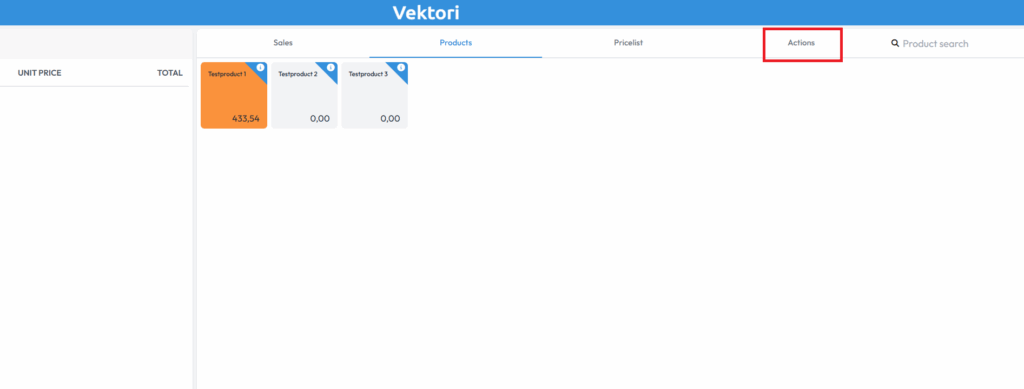
To make a return, click the gear icon or the "Actions" button in the top right corner of the Vektori app.
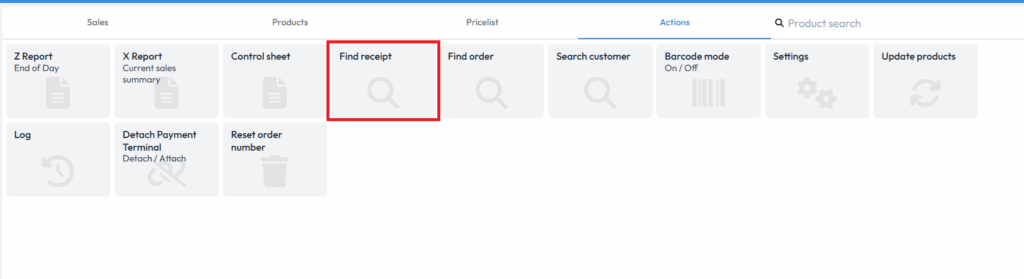
Select "Retrieve receipt" and either "Use last" or "Search by receipt number".
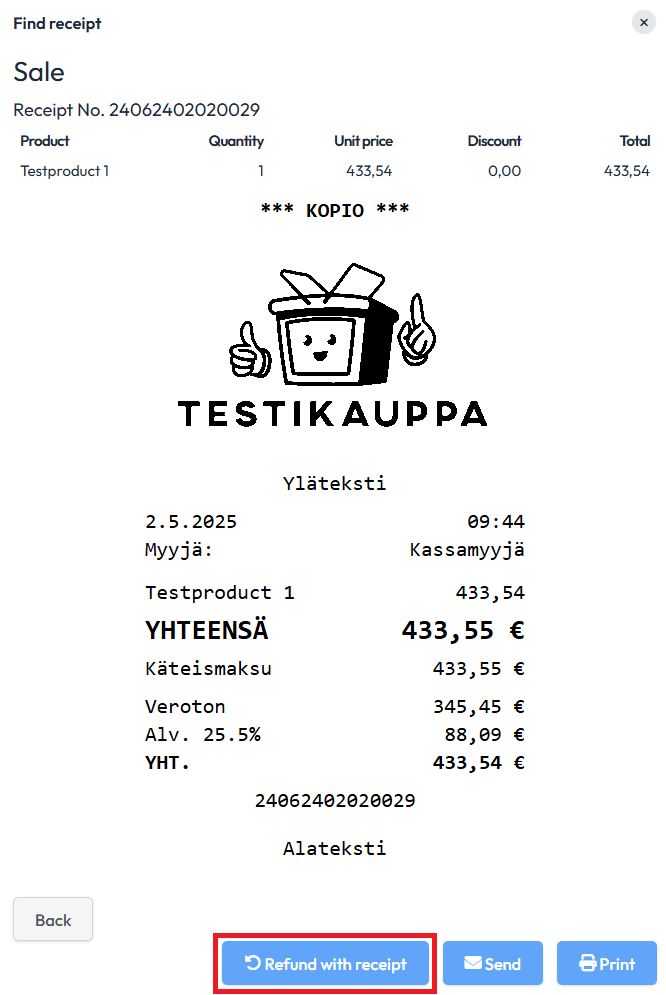
Once you have chosen either option, scroll to the bottom of the receipt and select "Return with receipt".
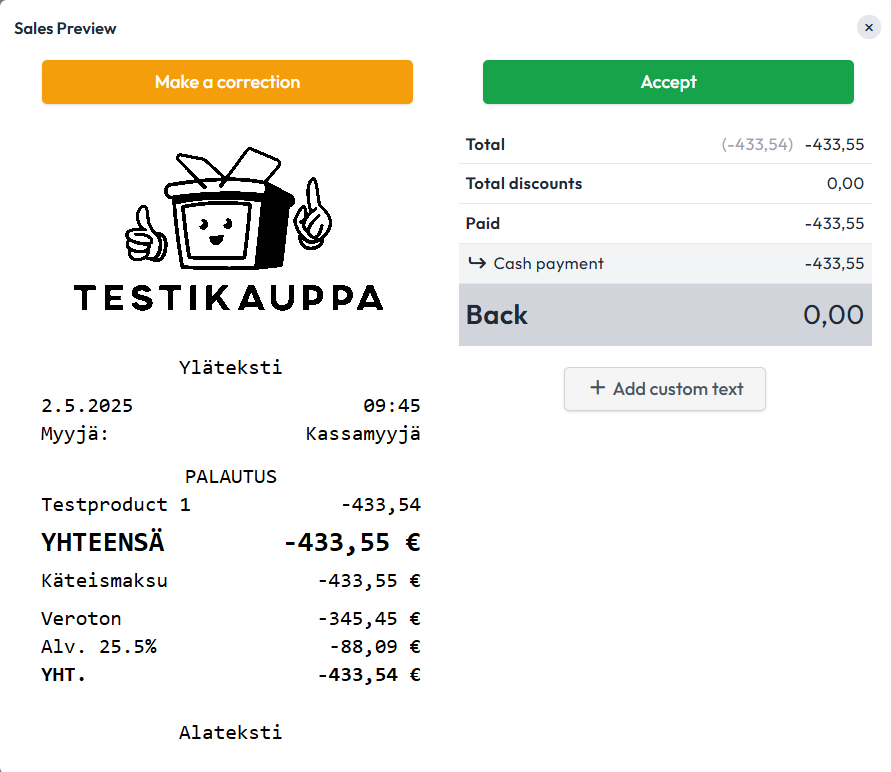
If you want to return the entire receipt, simply select the payment method to be refunded and proceed as you would with a normal sale.
If you want to return only a specific product/item/service, you can remove other products by clicking on the product or products and then selecting "Remove lines". Note that this will remove the product or products from the return. Once you have selected the products to be returned, choose the payment method and proceed as you would with a normal sale.
Comments
0 comments
Please sign in to leave a comment.